One icon.
Every little tool.
A launcher, your windows, the notch, battery care and your Mac's vital signs, in one native app that stays out of the way.
For macOS 26 on Apple Silicon.
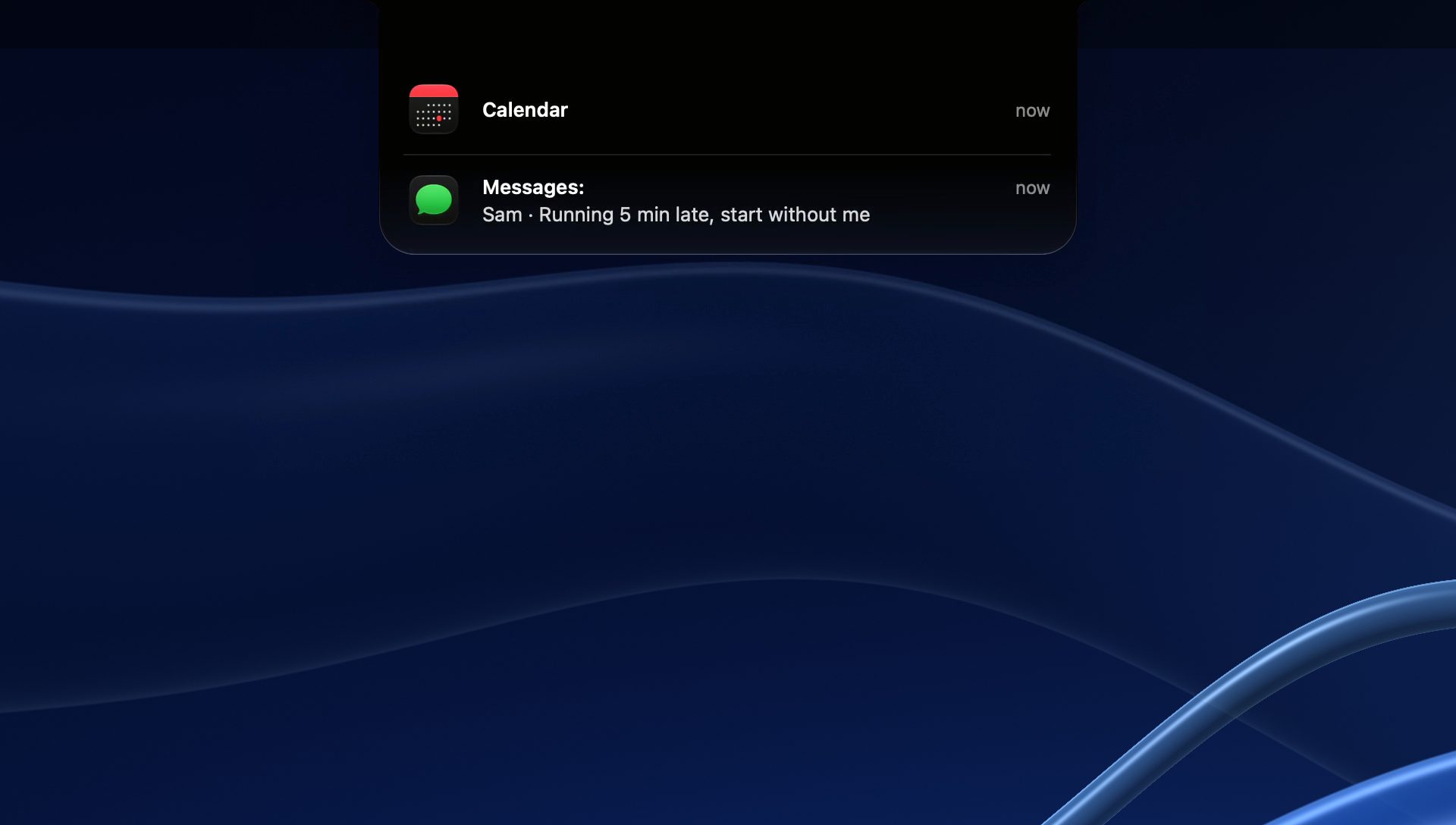
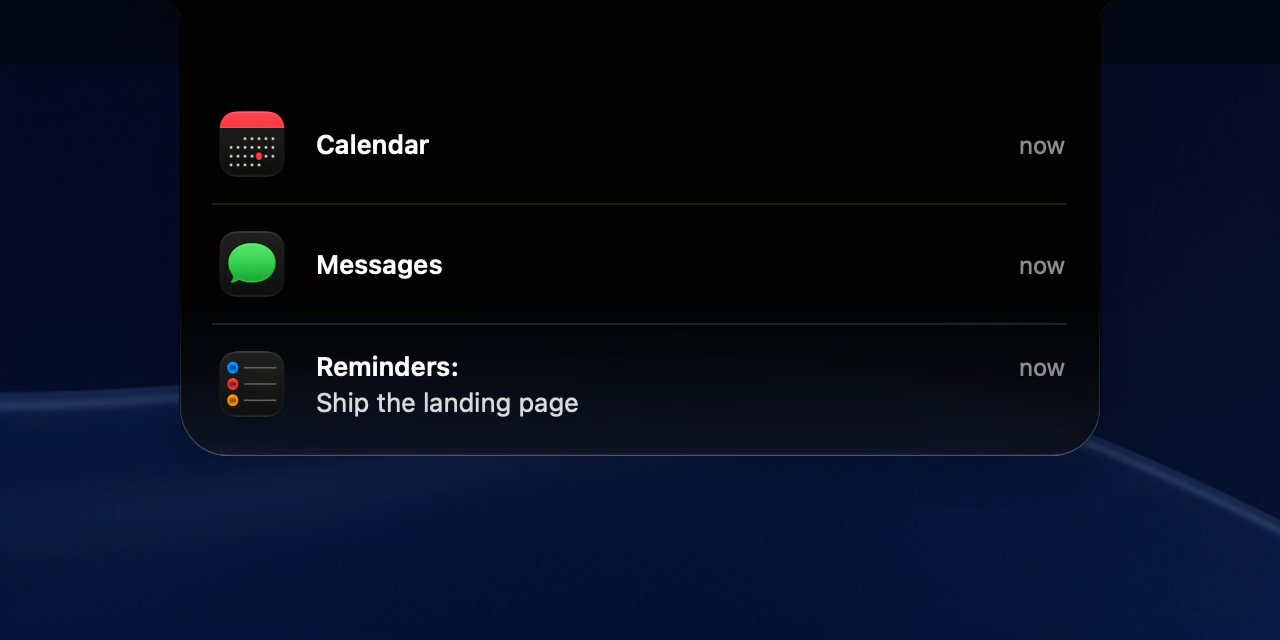
The notch, put to work.
Notifications drop out of it and stack, up to three on one card. Click one to open its app.
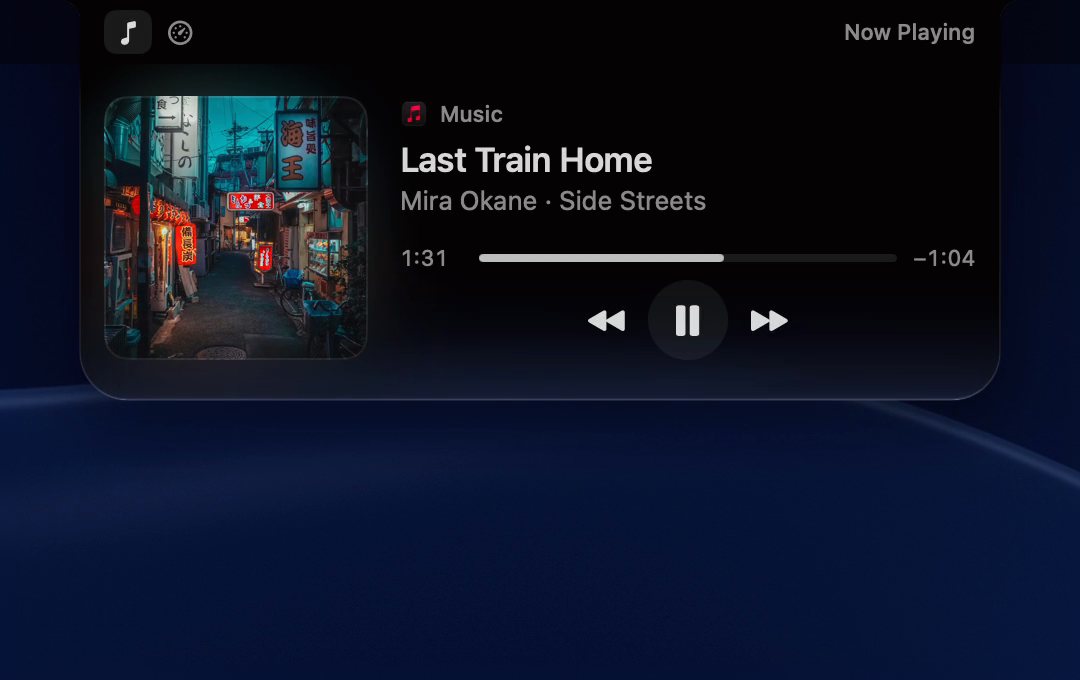
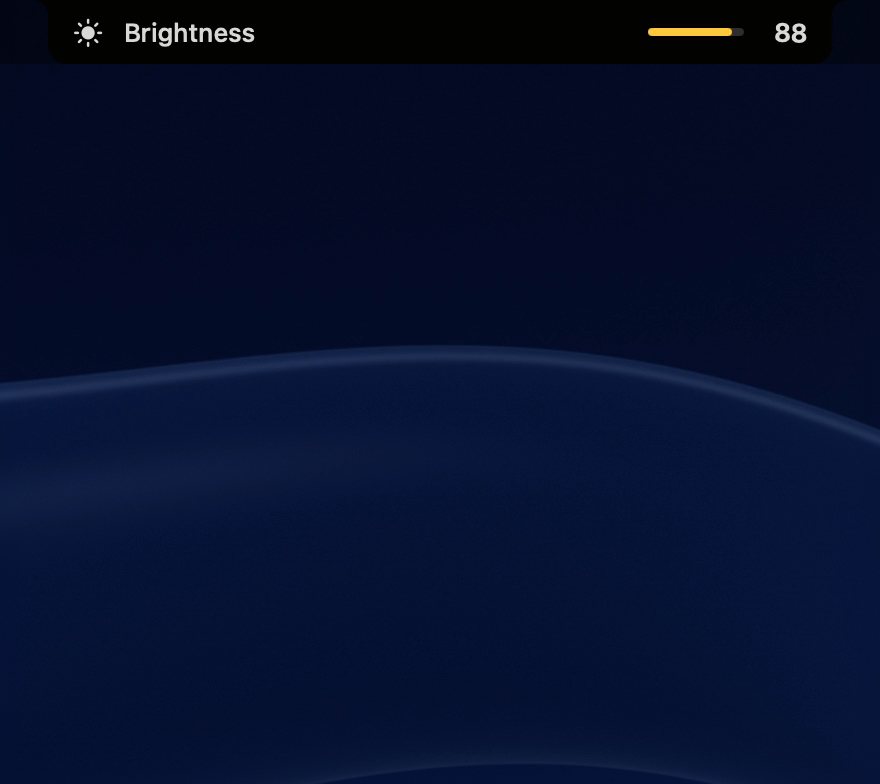
- Shelf
- Drop files, text or links on the notch. They wait there for 24 hours; pin the ones you want to keep.
- Keep Awake
- Keep your Mac awake for 1, 6 or 12 hours, or until you turn it off. The notch shows the time left.
Windows, where you want them.
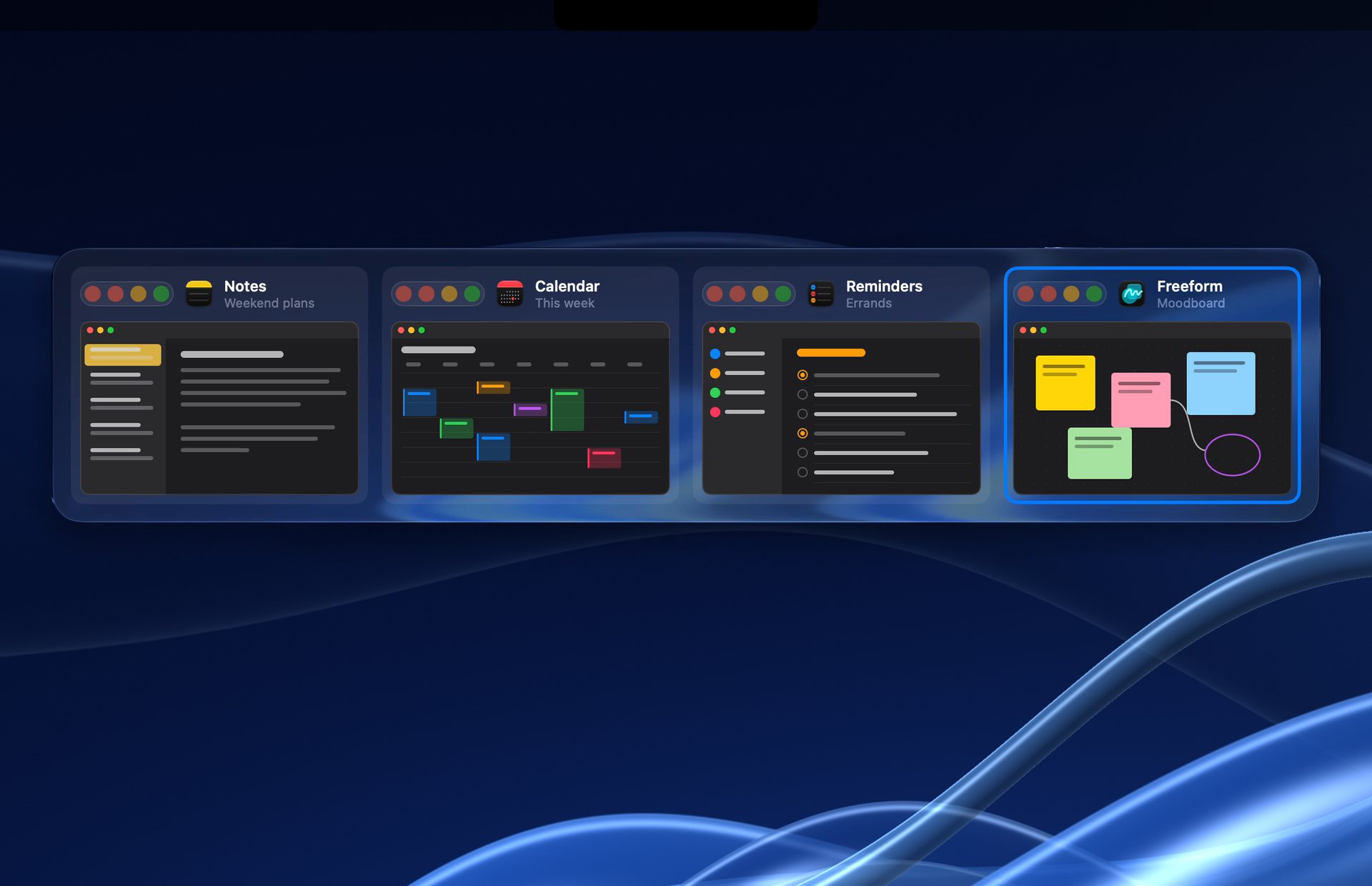
Switch to any window by its picture, snap it into place, or line them all up and scroll.
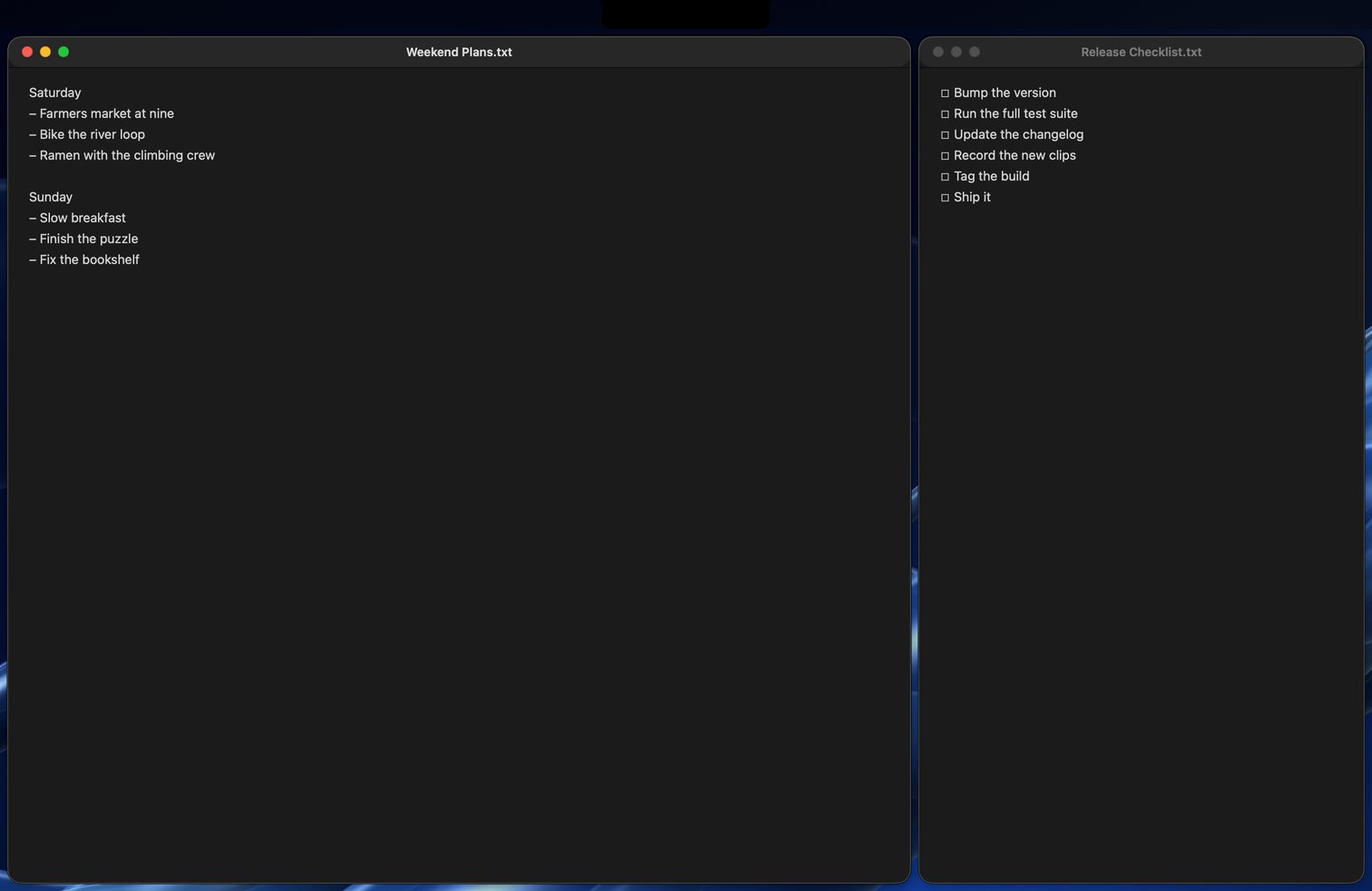
Or let them scroll.
Windows sit side by side on a strip that runs past the screen's edges. Swipe with three fingers, or move focus from the keyboard. Try it below.
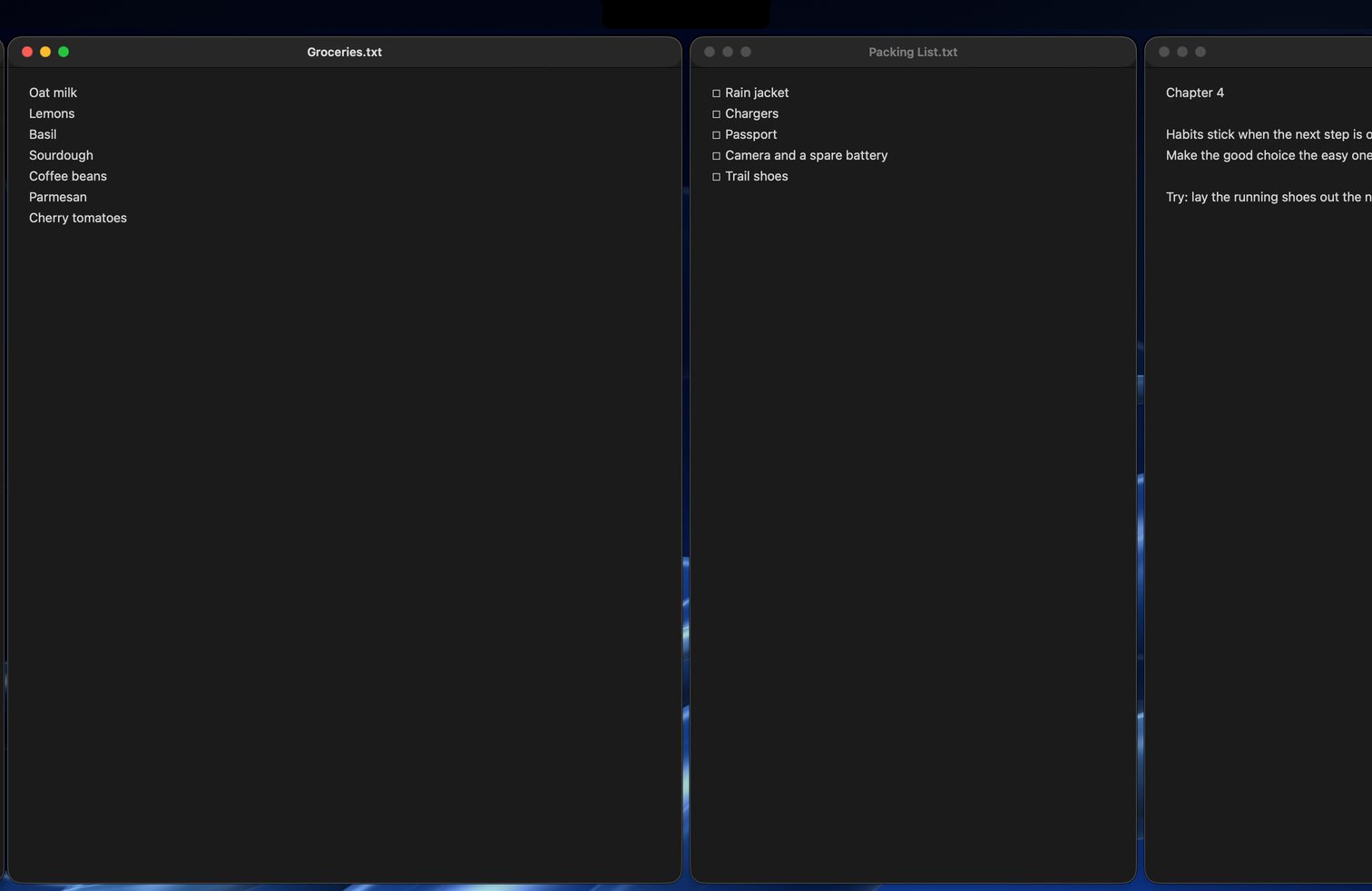
Move focus. The strip glides to the next window at 120 Hz.
Swipe with three fingers. The strip follows your fingers.
Cycle the width. R steps through a third, a half and two thirds. F toggles full width.
Nothing gets lost. Windows past the edge wait as 5 px slivers.
Type what you want.
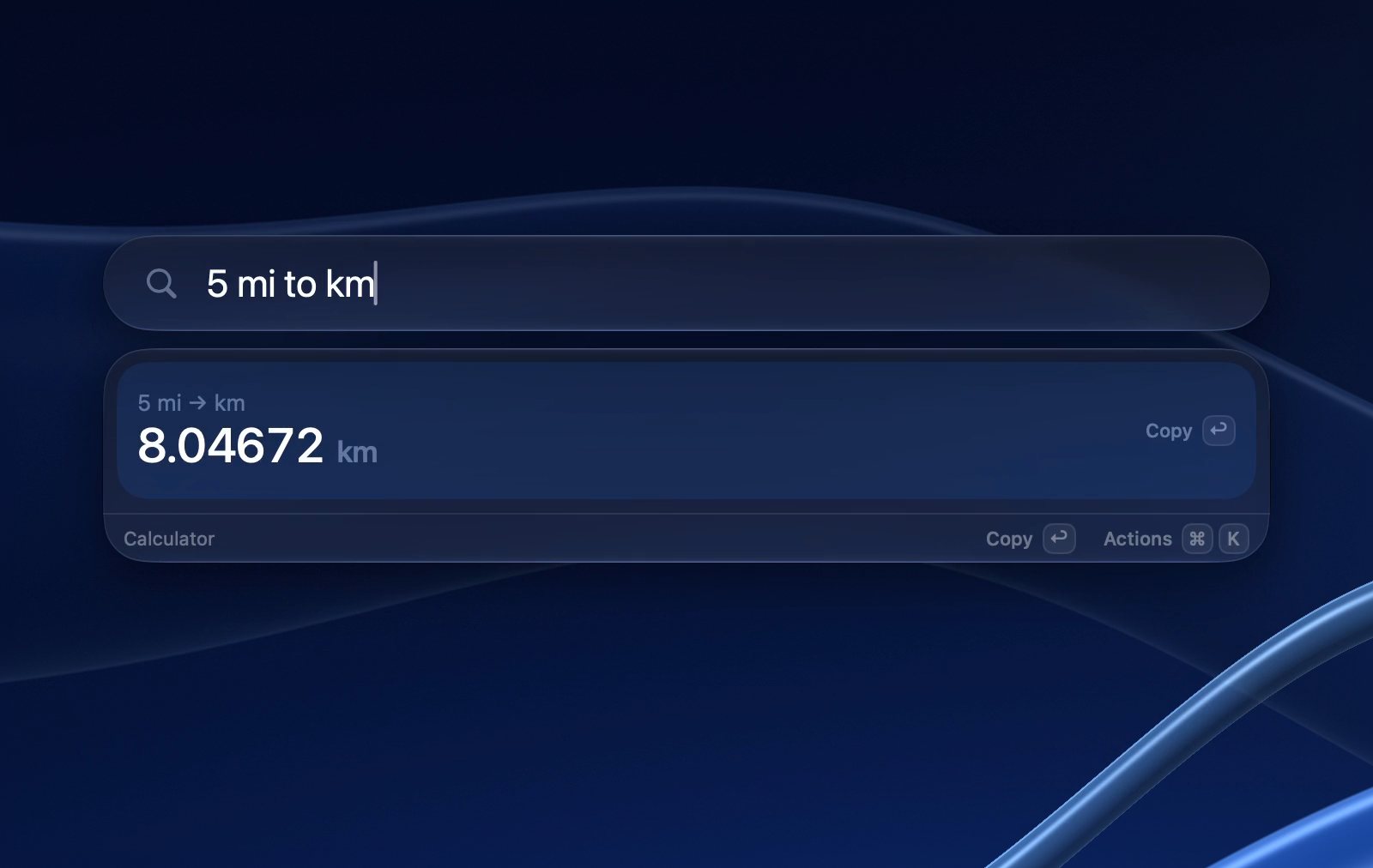
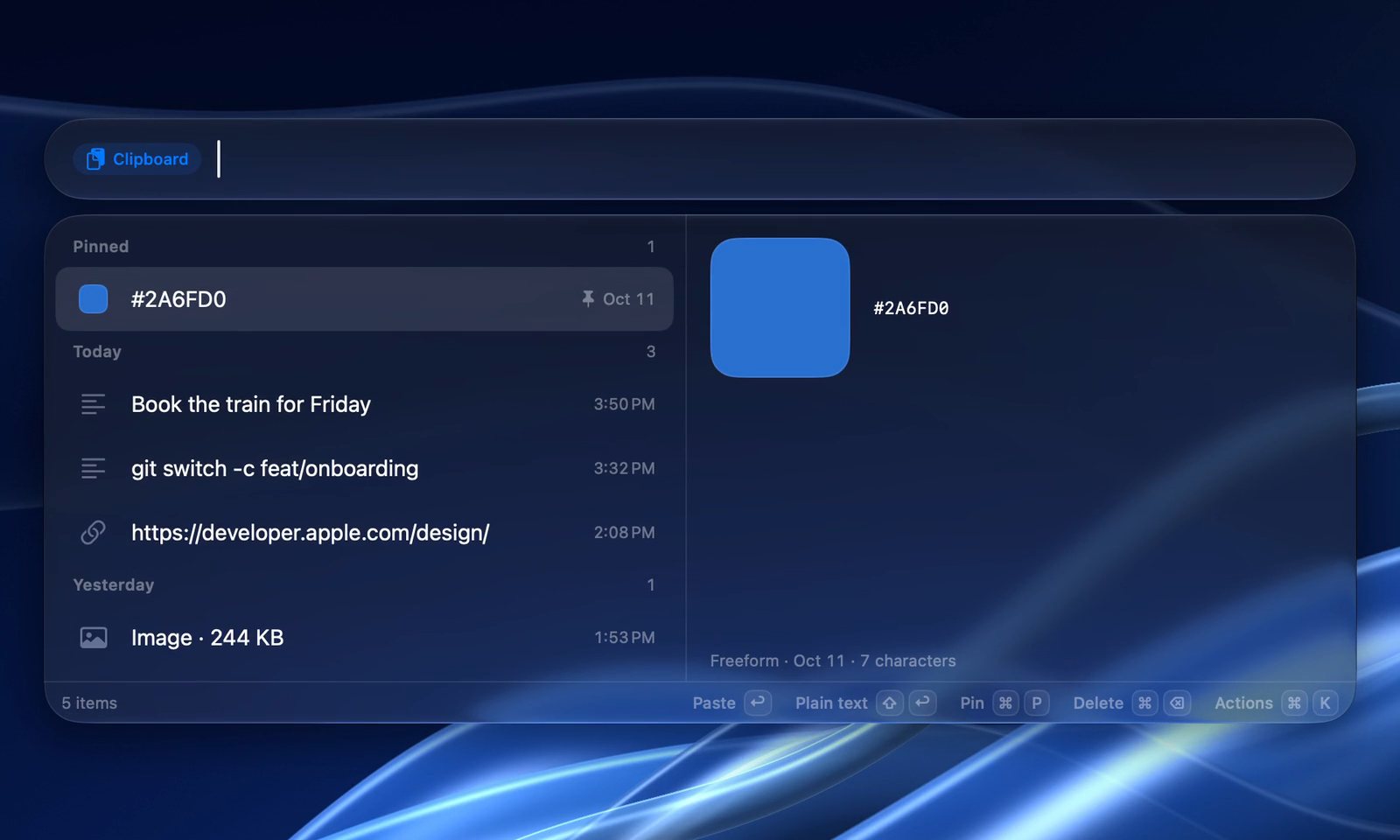
One shortcut opens one field. Apps, files, sums, your clipboard and your own commands answer in it.
- Apps and filesq3 reportQ3 Report.pdf, found by name or by what it says inside.
- Math18% of 2,450441
- Units5 mi to km8.04672 km
- Clipboard historytrain“Book the train for Friday”, from today. Pin what you paste every day.
- Quicklinksdocs swift actorsA search of your docs site, behind a short alias.
- Script Commandsdeploy stagingYour script, run by name. Drop it in the folder.
- Shortcutssc resize imagesThe shortcuts you built, run with typed text or the clipboard.
Charge to 80. Run cool.
Two controls from the app, working here as they do on your Mac. Pick a limit; drag the curve.
Charging to 80%
A charge limit that holds.
Alkit sets the limit macOS already has: no helper to install, and it holds while your Mac sleeps. Heat protection pauses charging when it runs hot, and the flow shows where every watt goes.
Fans on your terms.
Alkit only ever adds speed, never less than macOS asks for.
- System
- macOS runs the fans, as it always has.
- Max
- Full speed, for the render that cannot wait.
- Keep cool
- Draw a curve. The fans follow the hottest core, smoothly.

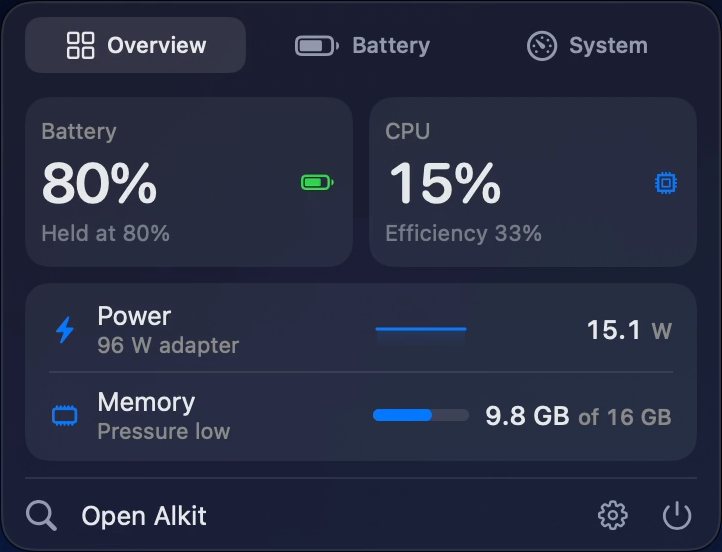
Your Mac's vital signs, one glance up.
Next to the Alkit icon: the hottest CPU or GPU core, memory in use, fan speed and the charge. Five styles, from a full readout to the icon alone. Click it for the details.
All of it, behind one icon.
Every tool answers the same shortcut, shares one settings window and sleeps until you need it.
- 89 MB
- Memory with every mini-app on, measured on a Release build in everyday use.
- Native
- Swift, built for macOS 26 and Apple Silicon.
- No account
- Activate with your license key. There is nothing to sign in to.
- No analytics
- The network is used for currency rates, Quicklink icons, update checks and your license.

Pay once. Keep it.
One license, every part of Alkit, and every update after it.
For early buyers, then $29.99. US dollars; tax is added at checkout where it applies.
Requires macOS 26 on Apple Silicon.
- Pay once. No subscription.
- One Mac per license.
- Free updates for life.
- Refunds within 14 days.
- Regional pricing where it applies.
Questions.
Something else? Write to [email protected].
Is it a subscription?
No. You pay once and the license is yours. The regular price is $29.99.
How many Macs can I use it on?
A license covers one Mac. To move it to another Mac, deactivate it in Settings first.
Can I get a refund?
Yes, within 14 days of buying. There is no trial: the refund window is the way to try Alkit.
What do I need to run it?
Requires macOS 26 on Apple Silicon. It is a native Swift app.
Are updates included?
Yes. Every future update is included with your license, and Alkit tells you when one is ready.
$19.99, once, for one Mac.
Every update after it.
For macOS 26 on Apple Silicon.